
Peripherals for Online Meetings

After moving from Windows to Mac recently, I wanted to reuse some of my peripherals that I use for online meetings. I thought I would share my setup, as I would have found this helpful so it’s possible others would too.

The challenge here is the MacBook has only two USB-C ports on it, and they’re already used for the following basics:

  • Power input (yes, no separate power input!)
  • Ethernet for faster internet than WiFi
  • HDMI for separate monitor

Seems Apple expects users to leverage Bluetooth for peripherals. Unfortunately my windows machine had a webcam and headset with regular USB cables, and I have no budget to replace them.

After a few combinations (and false starts) I found success with:

  • USB Webcam plugged into the USB port in an Apple USB-C Multiport (as the webcam requires power too). This ensures all important visuals for much richer interactions with my colleagues. The webcam is also setup to be the main microphone input – a job it is more than capable of. As a home worker background noise is not a problem.
  • The Macbook sound output/speakers is set to “system” (ie the built in speakers). Reason being – as a home worker I don’t need to restrict the sound I make. Also the Macbook speakers are plenty good enough.

This setup works nicely, meetings are rich and clear, and the Macbook seems happy enough.

A bonus is my old headset can now live in my laptop bag (along with a USB-C to USB adapter) ready for conference calls away from the office. Also no annoying unplugging stuff before going out!
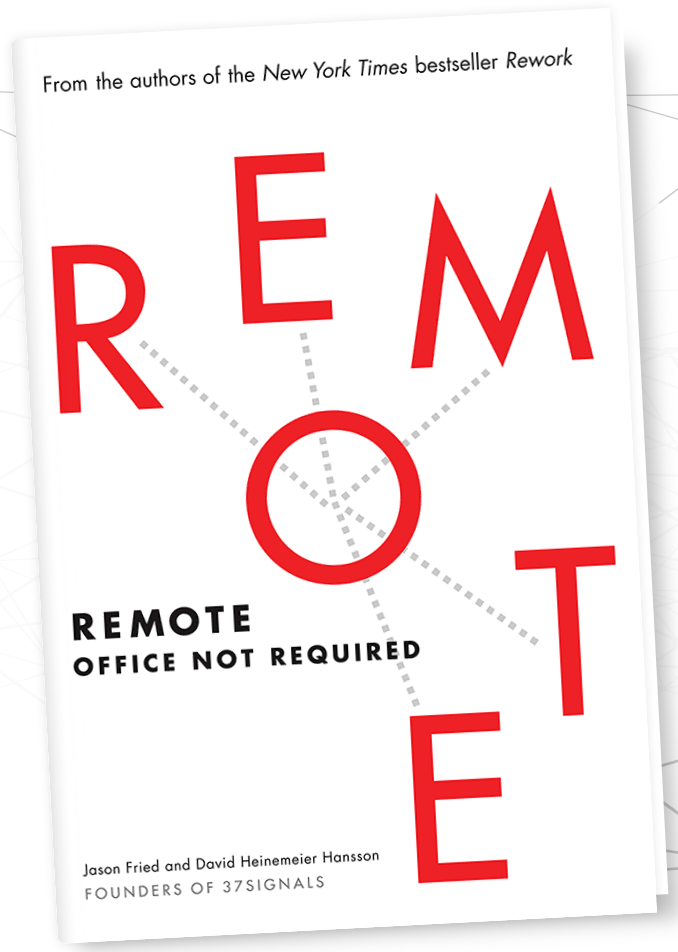
Book Review: Remote – Office Not Required.

Written by the founders of 37 Signals, a US software company, they’ve been using remote staff for years and so had a good amount of experience-based insights to share on the topic.

Generally I found the book focused more on people and companies considering or starting home-working, rather than those already doing it. That said, there are some very good points and tips in there.

Another positive is that the book is broken into 8 chapters, and each one into very short lessons. There are a total of 72 lessons, and each is only a few pages long (in the audio book lesson are 1-4 minutes only). Other books these guys have written are in a similarly digestible format.

Here are a few specific highlights that I found:

  • Some nice statistics and records on the growth of home working.
  • They recommend overlap in timezone for about 4hrs, so opportunity to speak and collaborate is not too narrow and days go by without progress.
  • Interesting insights like office-bound people state they’re “most productive” out of hours – getting in extra early or staying late. When people get together sustained focus drops.
  • Measure performance based on work quality vs time-at-desk. This said, I would add to actually measure time too – because homeworkers regularly put in very long days (and sometimes weekends) to produce the best work – but that’s unsustainable, unhealthy and will end in burnout.
  • Benefits of homeworking includes health, well-being, hobbies, family and friendships. Also benefits to the environment and personal finance.
  • Using cafes (or co-working spaces) and supporting hobbies to resolve challenges including isolation, overwork, health and home distractions.
  • “Great remote workers and just great workers”. It’s not a silver bullet to change an attitude or productivity.
  • Advice on working with customers/clients from a remote location.
  • Advice on hiring remote staff.
  • A few communication tips (via writing) when in person nuance is eliminated.
  • Recommended technology tools and resources, although a little outdated now.

So overall I liked the book, and on this topic it’s one of the better resources out there. I’ll endeavor to review more going forwards and compare.